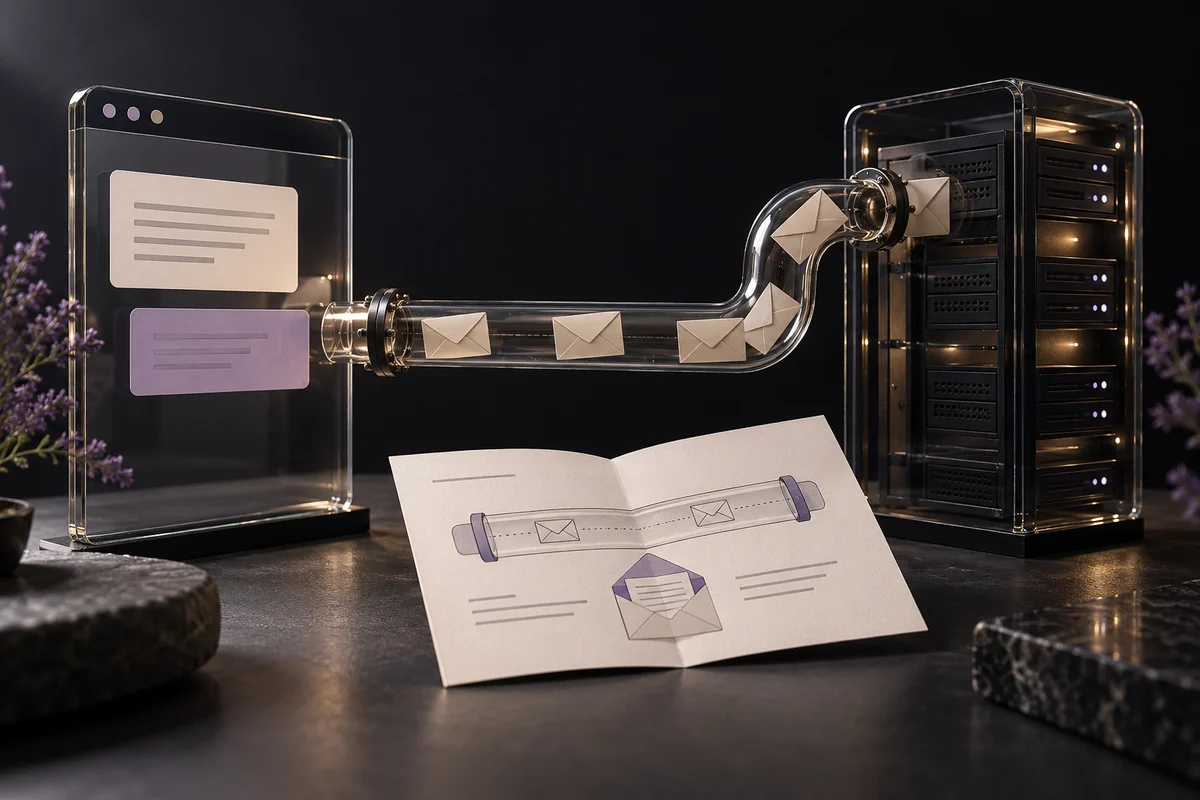
Protecting a small business website starts with a few connected responsibilities: secure the accounts that control it, maintain its software, limit access and make recovery possible. The right protections depend on whether the site is a static presentation, a managed store or a custom application handling customer data.
Buying one security feature does not remove those responsibilities. Start by identifying who owns them and what would happen if the site or an important account became unavailable.
Map the accounts behind the website
The public page is only one part of the system. List the domain registrar, DNS service, hosting account, content editor, code repository, store administration, analytics and any connected services.
Include the email account used to reset passwords. Losing that account can make recovery of several other services harder. Record the account owner and recovery route without putting passwords in an ordinary shared document.
For a business working with freelancers or an external team, establish which accounts belong to the business and which are provider-managed. Keep the distinction clear before someone leaves the project.
Strengthen authentication and recovery
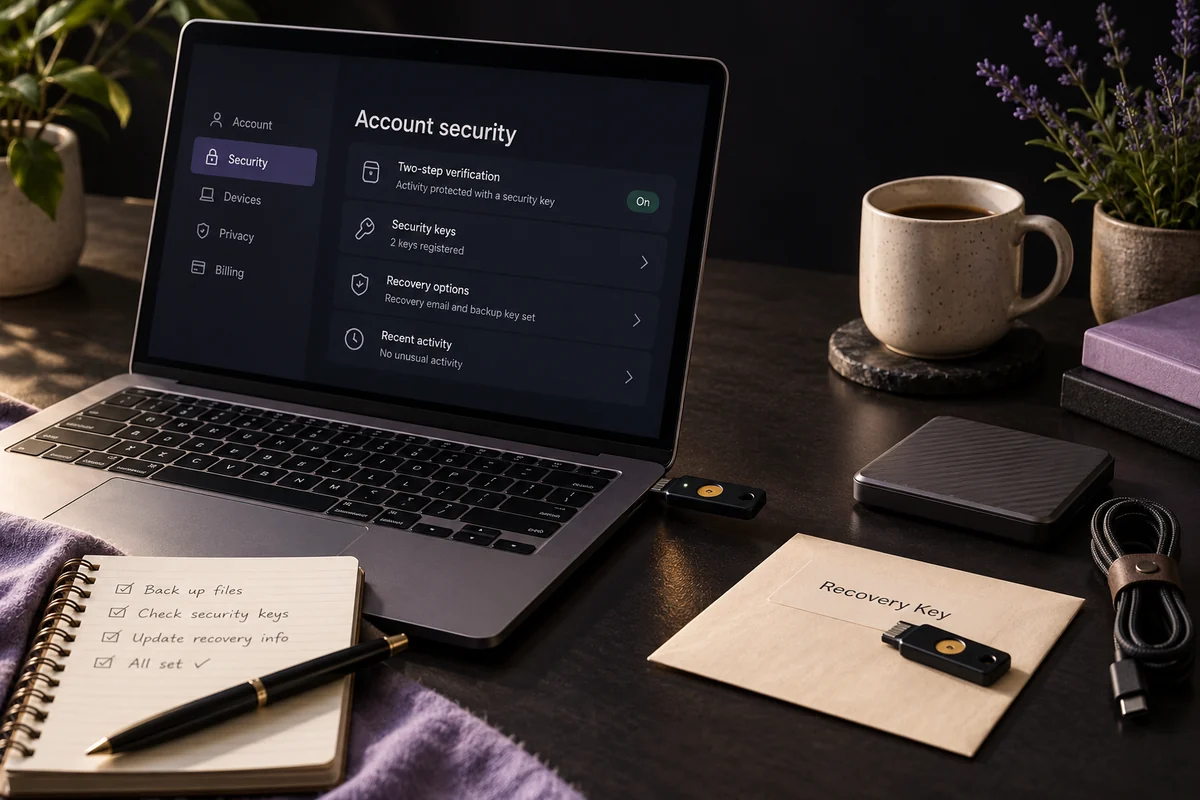
Use unique credentials and a reputable password manager where passwords are required. Enable multifactor authentication on important accounts. Where supported, phishing-resistant options such as security keys or passkeys deserve consideration.
Keep recovery methods usable and protect recovery codes separately. A strong login process becomes an operational problem if the only enrolled device belongs to someone who is no longer available.
The OWASP multifactor authentication guidance explains the strengths and limitations of different methods. MFA reduces risk, but it does not justify approving unexpected login prompts or entering credentials through unverified links.
Give people only the access they need
Use separate accounts instead of sharing one administrator login. A person updating text may not need permission to change payments, create administrators or alter hosting configuration.
Review access when a project ends or a role changes. Remove unused accounts and revoke obsolete integrations. Keep a controlled owner account for essential administration rather than using it for every routine task.
This follows the least-privilege principle described in OWASP's authorization guidance . For custom applications, checking permissions is also a development responsibility, not merely an admin-screen setting.
Maintain the software you actually operate
A CMS with plugins, a static site and a hosted commerce platform have different maintenance needs. Make an inventory rather than buying a generic update plan that does not match the system.
Keep supported software and dependencies current, remove unused extensions and track important security notices. Test significant changes before applying them to the live site when a safe staging process is available.
A managed platform may maintain its core infrastructure, while the business remains responsible for account access, installed applications and configuration. Ask the provider where that boundary sits. For a custom website, identify who reviews dependency updates and deployment credentials.
Treat backups as a recovery process
Decide what must be recoverable: source code, uploaded media, database content, store information and configuration. A copy of the public pages may not be enough to restore the business system.
Store appropriate backups separately from the main system and protect access to them. Test restoration into a safe environment. Record what was restored, how long it took and what data would be missing between backups.
The UK National Cyber Security Centre's small business backup guidance is a useful starting point. Choose backup frequency according to the cost of losing recent work. A frequently changing store needs a different recovery plan from an occasional portfolio update.
Protect connections and reduce unnecessary exposure
Keep HTTPS working, but do not confuse it with complete security. Our HTTPS guide explains what connection protection covers.
Avoid collecting information the business does not need. Restrict administration interfaces appropriately, protect secrets outside public source files and use supported payment services rather than handling card details casually in custom forms.
For applications accepting uploads, user accounts or private records, arrange a technical security review proportionate to their risks. A business-owner checklist cannot replace secure application design.
Prepare a response before an incident
Name the person to contact for suspicious logins, changed payment details or unexpected site content. Keep essential recovery information accessible if the main website is down.
If compromise is suspected, contact the responsible provider, preserve relevant evidence and follow an incident response process. Restoring a backup without addressing the original cause can leave the same weakness in place.
Review this plan after major changes and when people leave the team. Our hosting and maintenance service covers eligible Curvea-built websites, with responsibilities defined by the agreed scope. Clear ownership of recurring work is more useful than an unsupported promise that a site is unhackable.